
LIVE ONE-HOUR WORKSHOP | REPLAY INCLUDED
The 20-Minute Reel
How to film, edit and post a Reel in 20 minutes (with your face or without it). A live one-hour workshop for business owners who keep putting video off.
Tuesday 25 August | 10am NZST (8am AEST) | Live on Zoom, replay included
How many draft Reels are sitting on your phone right now?
Or, how many ideas for Reels have you had that never saw the light of day?
When it comes to creating Reels, there are two ways this usually goes.
You film yourself talking. You watch it back, hate your voice, notice your hair, and film it again. An hour later you've got 14 takes, no caption, and no Reel.
Or you skip the camera altogether and film bits and pieces instead. The workspace, the product, your hands doing the thing. Lovely clips. They're still sitting in your camera roll because you never worked out what to do with them.
Different problem, same result. The Reel doesn't go up, and the thing you actually wanted to say to your customers stays in your head.
Meanwhile the platforms keep pushing video, and every scroll is a reminder that you're not doing it.
Most of that morning goes on redoing, rewatching and telling yourself it's not good enough to post.
Make the decisions before you pick up your phone.
In this workshop I'll take you through the exact workflow I use to get a Reel from idea to posted in about 20 minutes. It works two ways: talking to camera, or text over video with no face and no voice required. You'll see both made live, start to finish, on screen.
You'll learn:
Where your Reel ideas are already sitting. How to pull ideas out of what you already say to customers all day, so you're never holding your phone wondering what to talk about.
How to pick the format in about ten seconds. Some ideas belong on camera. Some are better as text over video. Knowing which is which up front is what stops you filming the wrong thing and starting again.
Talking to camera, in one take. The three-line structure that keeps you on track without sounding like you're reading. No memorising, no autocue, no starting over because you lost your thread.
Text over b-roll, without the camera roll graveyard. What to film, how much you actually need (less than you think), and how to put text on top so it reads in the first second. Face optional, voice optional.
How to set up once and stop faffing. Where to put your phone, what to do about light and sound, and the two-minute setup you reuse every time so filming becomes a decision-free zone.
How to edit fast, or barely at all. What genuinely needs editing and what doesn't, captions, covers, text timing, sound, and the quickest way through it. Plus what to do when you fluff a line mid-take.
You'll also get a one-page workflow guide to keep beside you, so you're following the steps on a Tuesday morning instead of trying to remember a workshop.
Plus a BONUS: three Claude skills built on my methods
A skill is a small instruction pack you add to Claude (the AI tool) so it already knows how I'd approach the job. You're getting three:
🔥
Reel Format Picker
Paste your idea and it tells you whether it's a talking-to-camera Reel or text over b-roll, and why. If it's b-roll, it also tells you what to film and how many clips you need.
🔥
Brain Dump to Reel Script
Ramble out the rough version and get back a script in your own words, ready to film. Going the b-roll route instead? You get your on-screen text broken into lines, in order.
🔥
One Idea, Five Reels
Give it one thing that happened this week and get five different Reels out of it, across both formats. One idea covers a fortnight.
They take about two minutes each to install, and I'll show you how. AI tools like these are great for saving time, but the final say on every post stays with you - that's the last 20% no AI tool gets to replace.
In 60 minutes, you’ll walk away with:
✓ The full 20-minute Reel workflow, idea to posted, every step in order so you can run it yourself the same day
✓ Both formats made live on screen: talking to camera, and text over b-roll
✓ A quick way to call which format an idea belongs in, so you stop second-guessing before you've started
✓ A three-line script structure that gets you through a take without losing your place
✓ A repeatable filming setup, so you stop redeciding where to stand, what to hold the phone with, and whether the light's alright
✓ A fast edit process, including captions, cover, text timing and sound, without disappearing into an editing app for an hour
✓ The one-page workflow guide to keep beside you, so you're not relying on memory
✓ The three bonus Claude skills, trained on my methods
✓ The replay to watch back as many times as you like
Live on Zoom, Tuesday 25 August, 10am NZST (8am AEST).
Can't make it live? Register anyway, the replay is sent to everyone.
This is for you if...
You know video would help your business and you keep putting it off
You've got clips sitting in your camera roll that never became anything
You've filmed Reels before and they took up half your morning
You want the option to stay off camera some of the time, or all of the time
Give it a miss if...
You're already filming and posting Reels comfortably in under half an hour. This is a practical speed session, not advanced Reels strategy.
You're after trending audio, transitions and editing tricks. I'm teaching you to get Reels out the door, not to become an editor.
Meet your 20-MINUTE REEL WINGWOMAN
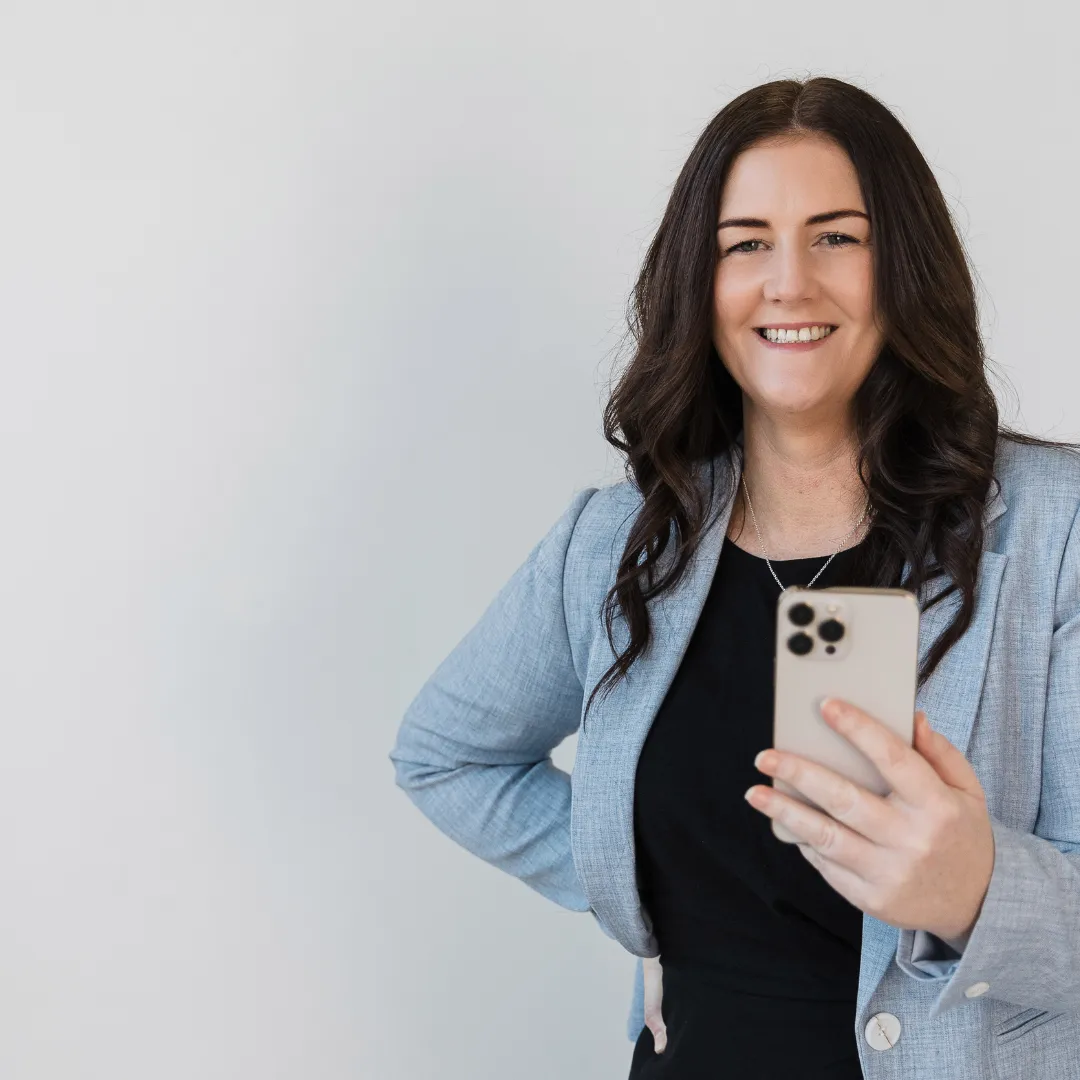
Hey I'm Jodine a.k.a. Social Smarty

I'm an introvert. I run a public-facing business. I have filmed a Reel in my car in a supermarket car park because it was the only quiet spot I could find.
So when I say I understand the resistance to being on camera, I mean it. I'm not naturally a video person. I got fast at it because getting fast at it was the only way I was ever going to keep doing it.
Two things changed it for me. I cut the number of decisions: same setup, same structure, same order every time. And I stopped believing every Reel had to have my face in it. Some weeks I'm on camera. Some weeks it's text over whatever I filmed while I was already doing the thing. Both count.
Why trust me?
7+ years helping business owners master social media, digital marketing and AI
Over 100 workshops delivered to business owners across New Zealand and Australia
Trained everyone from solo entrepreneurs to national marketing teams
Run a thriving membership community for small business owners
Real Results from Real Business Owners:
This is a brand new workshop but here are some words from real business owners who have attended previous workshops with me.
Frequently asked questions
Do I have to show my face?
No. One of the two formats I'm teaching is text over video, where you film what's in front of you and put words on top. No face, no voice. If you do want to talk to camera, I'll show you how to make that quick too, but it's your call and you can build a perfectly good Reels habit without ever being in shot.
I'm not techy. Will I keep up?
Yes. Everything is demonstrated live on screen, one step at a time, in plain English. I teach a lot of people who describe themselves as not techy and they do just fine. You'll also have the replay to go back through at your own pace.
Do I need any special equipment?
Your phone. That's the whole list. No ring light, no microphone, no tripod required, though I'll tell you the one cheap thing worth buying if you decide you like this.
What do I film if I'm not filming myself?
Whatever you're already doing. Your hands making the thing, the workspace, the product, the drive to a job, the before and after. I'll give you a list of what works and show you how little footage you actually need.
What if I hate the sound of my own voice?
Nearly everyone does. Two answers: use the text over video format and don't record your voice at all, or shorten how long you spend watching yourself back, which is the actual problem. Fewer takes means less time listening to yourself.
Which platforms does this work for?
Instagram Reels, Facebook Reels and TikTok. The workflow is the same for all three.
Is this the same as The 20-Minute Post?
No. That one was about written posts. This is video, start to finish. They work well together but you don't need one to do the other.
Do I need Claude to get value from this?
No. The workflow works without AI. The three Claude skills are a bonus that makes it faster if you use it, and I'll show you how to set them up if you want to.
What if I can't make it live?
Register anyway. The replay is sent to everyone, and it's yours to keep.
Will this work for my industry?
Almost certainly. I teach trades, retailers, accountants, health practitioners, hospitality, makers and everything in between. The workflow doesn't change, only what you point the camera at.
View Privacy Policy and Terms and Conditions here.
© Social Smarty 2026. All Rights Reserved.