REPLAY OF LIVE WORKSHOP + GUIDE + SKILLS
The 20-Minute Social Media Post
How to create social media content fast (without it looking rubbish). A live one-hour workshop for business owners whose posts take hours they don't have.
This workshop was recorded live.
Be honest. How long did your last post take?
You sat down to write a quick post. An hour later you're still fiddling with the caption, you've second-guessed the photo twice, and you're wondering whether the whole thing is even worth saying.
Maybe you published it. Maybe it's still sitting in drafts.
Posting takes you hours because you're making every decision from scratch, every single time. What to say. How to say it. What it should look like. Whether it's good enough to post.
So many decision, every single time you post! No wonder you procrastinate on it more than anything else in your business.
There's a faster way, and it doesn't involve posting rubbish copy and pasted from AI.
Make each decision once, then reuse it.
In this workshop I'll walk you through the exact workflow I use for getting a post from idea to published in about 20 minutes. You'll see the whole thing done live, start to finish, on screen.
You'll learn:
Where your post ideas are already hiding, and how to turn one idea into five posts instead of using it once and starting from scratch again
How to use AI for your first draft, the exact prompt structure, shown live on screen, plus the 20% edit that makes it sound like you instead of a robot
How to sort your visuals once and stop thinking about them, using a small menu of go-to formats (two of them video) and ready-made templates you pick and personalise in minutes (no design skills needed, I promise, I don't have them either)
The full 20-minute workflow, every step in order, demonstrated live so you can see it genuinely works
You'll also get a one-page workflow guide to keep beside you, so you're following steps on a Tuesday morning instead of trying to remember a workshop.
Plus a BONUS: three Claude skills built on my methods
A skill is a small instruction pack you add to Claude (the AI tool) so it already knows how I'd approach the job. You're getting three:
🔥
One Idea, Five Posts
Give it a single idea and you'll get five different post suggestions back!
🔥
Brain Dump to Post
Paste your rough notes or voice note transcript, get a draft ready for your final tweak.
🔥
Post Format Picker
Tell it what you've written and it picks which of your five go-to looks the post should be.
They take about two minutes each to install, and I'll show you how. AI tools like these are great for saving time, but the final say on every post stays with you - that's the last 20% no AI tool gets to replace.
In 60 minutes, you’ll walk away with:
✔️ The full 20-minute workflow, idea to published, every step in order, so you're never starting a post from scratch again
✔️ A faster way to write captions, including the exact AI prompt structure and the 20% edit that makes drafts sound like you
✔️ Your visuals sorted once and for all: five go-to looks (two of them video) that you pick and personalise
✔️ A live start-to-finish demo, one post built on screen in real time so you can see it genuinely works
✔️ The one-page workflow guide to keep beside you every time you post
✔️ The 3 bonus Claude skills, trained by me
✔️ The replay to watch back as many times as you like
This workshop was recorded live
This is for you if...
Posting regularly is always the plan, but one post can swallow a whole morning.
You have plenty to say but nothing scheduled, because making the post is always a slog.
The visual is where you stall, and everyone else's posts look far more polished.
You've heard AI is meant to make everything faster and easier but you're not sure on the exact steps.
Give it a miss if...
You've already got a fast content workflow that's working, or you're after advanced strategy. This is a practical session about making social media posts faster.
Meet your 20-MINUTE WINGWOMAN
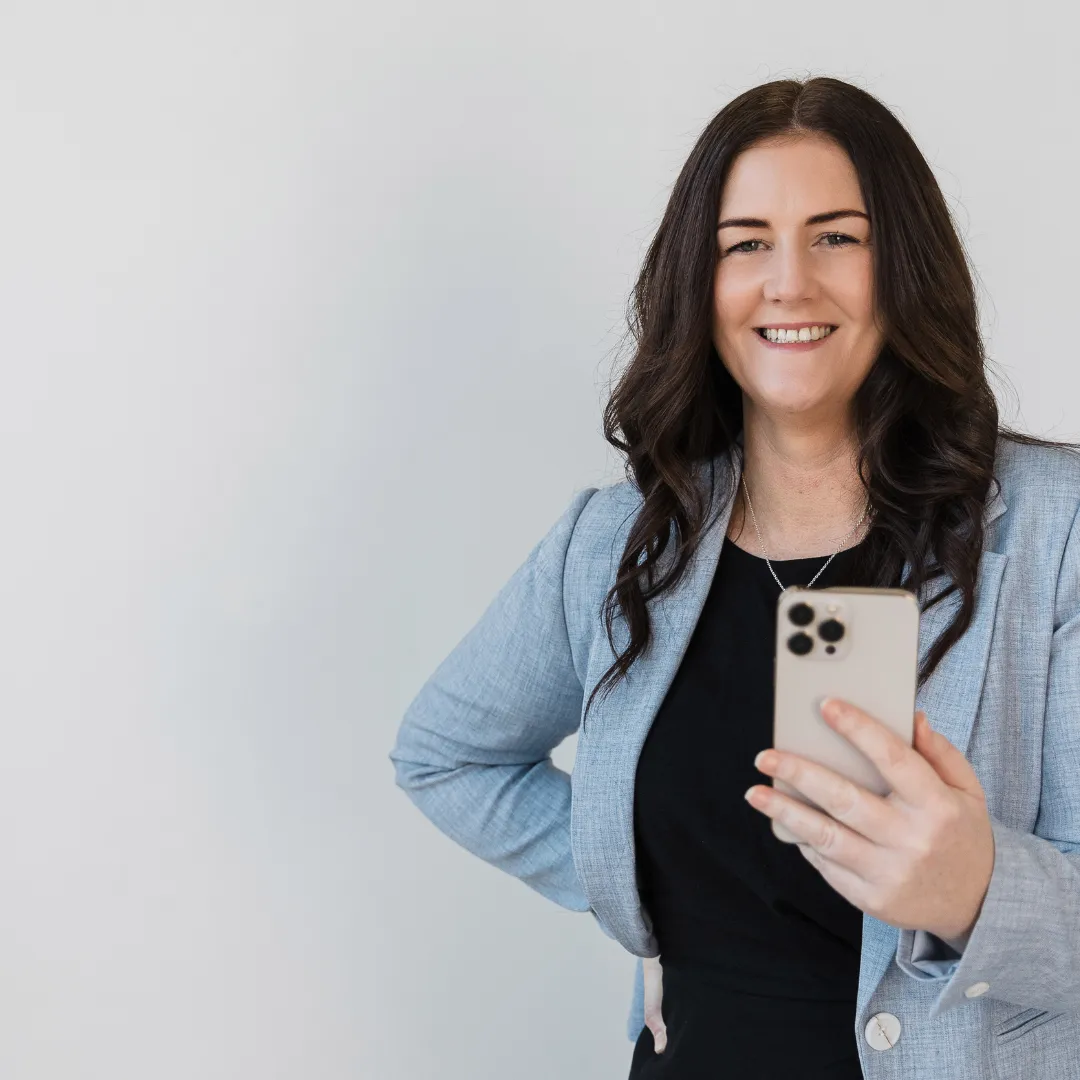
Hey I'm Jodine a.k.a. Social Smarty

I'm running this workshop because I keep hearing the same thing from the business owners I work with. The ideas are there, the intention is there, but one post can swallow a whole morning, so posting keeps sliding to the bottom of the list. It's never a motivation problem. The making of the post is simply taking far too long.
Why trust me?
7+ years helping business owners master social media, digital marketing and AI
Trained everyone from solo entrepreneurs to national marketing teams
Run a thriving membership community for small business owners
I've posted thousands of times for my own business while running it solo, and I promise you very few of those posts took longer than 20 minutes. The workflow in this workshop is the one I actually use, built on the methods I teach my membership and my one-to-one clients.
Real Results from Real Business Owners:
This is a brand new workshop but here are some words from real business owners who have attended previous workshops with me.
Frequently asked questions
I'm not techy. Will I keep up?
Yes. Everything is shown step by step on screen, and you get the replay to follow along at your own pace.
Do I need any paid tools?
No. Free Canva and a free AI account cover everything in the session.
Which AI tool do you use?
I'll demonstrate in Claude, and the prompt structure works the same in ChatGPT. Use whichever you've got.
I did your Claude workshop. Is this the same material?
No. That workshop was about setting Claude up for your business. This one is the post creation workflow itself, and AI is one step inside it. They work well together but neither repeats the other.
Does this cover Reels and video?
Yes. Two of the go-to formats you'll set up are video, including an option where you never speak on camera. What it doesn't cover is edited, multi-clip video, because that will never fit in 20 minutes and I wouldn't pretend it does.
Will this work for my industry?
The workflow works for any business posting on social media, service or product. The examples cover a mix so you can see it applied.
View Privacy Policy and Terms and Conditions here.
© Social Smarty 2026. All Rights Reserved.